Running a Sunday service from a phone
The person who knows when the next slide should come is often not the person at the laptop. Kastr's phone clicker exists to close that gap.
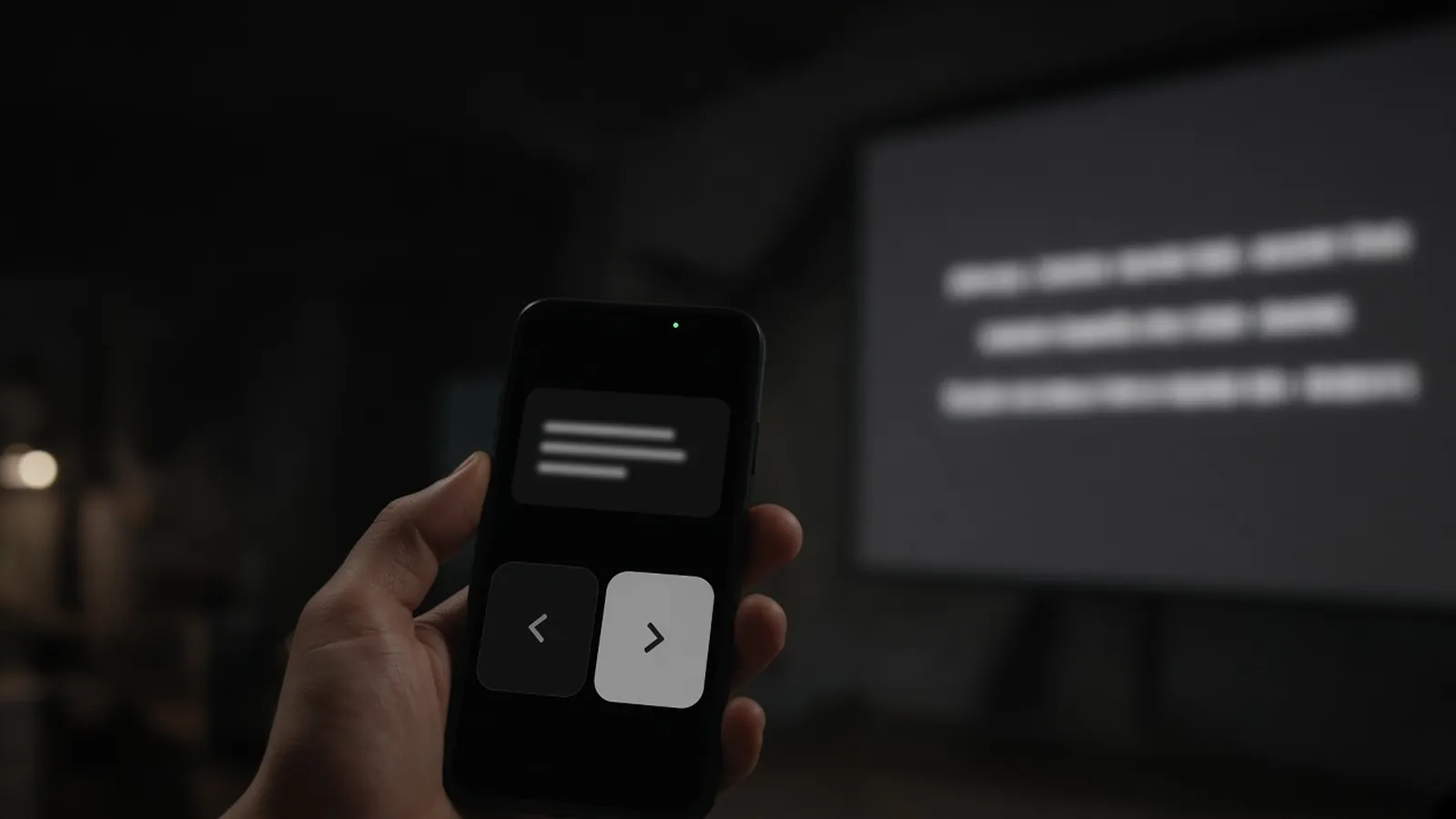
In a lot of churches, the person running slides sits at the back. The worship leader is at the front. When the leader decides to repeat the chorus or skip to the bridge, the operator has to notice, guess, or wait for a hand signal. The slide is late, and the room sings the first line from memory.
I wanted to make it easy for the right person to advance the slides, wherever they're standing. In Kastr, that's the phone clicker.
Scan, then press next
During a show, the operator presses Clicker in the deck's top bar. A QR code appears. A teammate scans it with their phone and gets next and previous buttons. That's the whole setup. There's no app to install, because the clicker is just a page in the phone's browser.
The deck on the laptop still knows everything. When someone presses next on their phone, the deck moves, the projector window moves, and every screen following the public link moves too.
Guests, if you allow it
Sometimes the person who should click doesn't have a Kastr account. It might be a visiting musician or a volunteer helping out for one Sunday. Making them sign up before the service isn't realistic.
So in the same Clicker dialog, there's a switch called Allow without sign-in. Turn it on and anyone who scans the code can advance slides for that program. When you're done, press New code and the old QR codes stop working. I made guest access something you turn on deliberately, for one program, because a clicker is real control over what the whole room sees.
The operator can always take it back
Handing control to a phone is great until two people press next at the same time. Kastr shows who is controlling the deck right now, in the header. There's also a Clickers switch in the bar at the bottom of the deck that pauses every phone clicker at once.
That switch is for the moments when the operator needs the wheel back, like when someone's phone is sending presses from a pocket, or during a prayer when nobody should move the screen. One press, every clicker stops, and the deck keeps working from the keyboard.
What the operator still owns
A phone clicker is deliberately small: next and previous. Everything else stays on the deck. Blackout is the B key or the Blackout button, and while it's on, slides still advance underneath so the operator can line up the next one. Videos play and pause with Space, and M mutes the projector. You can jump to any section, add a song someone requested, or fix a typo on one slide while the show keeps running.
I kept the phone simple because the person holding it is usually doing something else at the same time, like leading or playing an instrument. Two big buttons are easier to hit without looking than a full control panel.
Phones as screens, too
Phones show up on the other side of the room as well. The public screen link works on a phone, so a singer can follow the live lyrics on a phone clipped to a mic stand, or someone in an overflow room can see what's on the main screen. They don't sign in. They open the link and see the current slide.
The October update made those links catch up faster when slides change, which matters most for exactly this case: a phone held up next to the main screen makes any delay obvious.
Why it matters to me
Projection software tends to assume one operator, one computer, one projector. Real services aren't like that. The person with the best timing might be on stage. The screen people actually look at might be a TV in the hallway.
The phone clicker comes from that. Let whoever has the best view press next, let the operator take control back with one switch, and let any screen in the building follow along. It's a small feature, but it changes who can run the room.
- Kastr
- Live Production
- Mobile