How Kastr turns pasted lyrics into slides
Making lyric slides by hand is slow and easy to get wrong. Here's how Kastr builds them from a block of pasted text, and why I kept the rules simple.
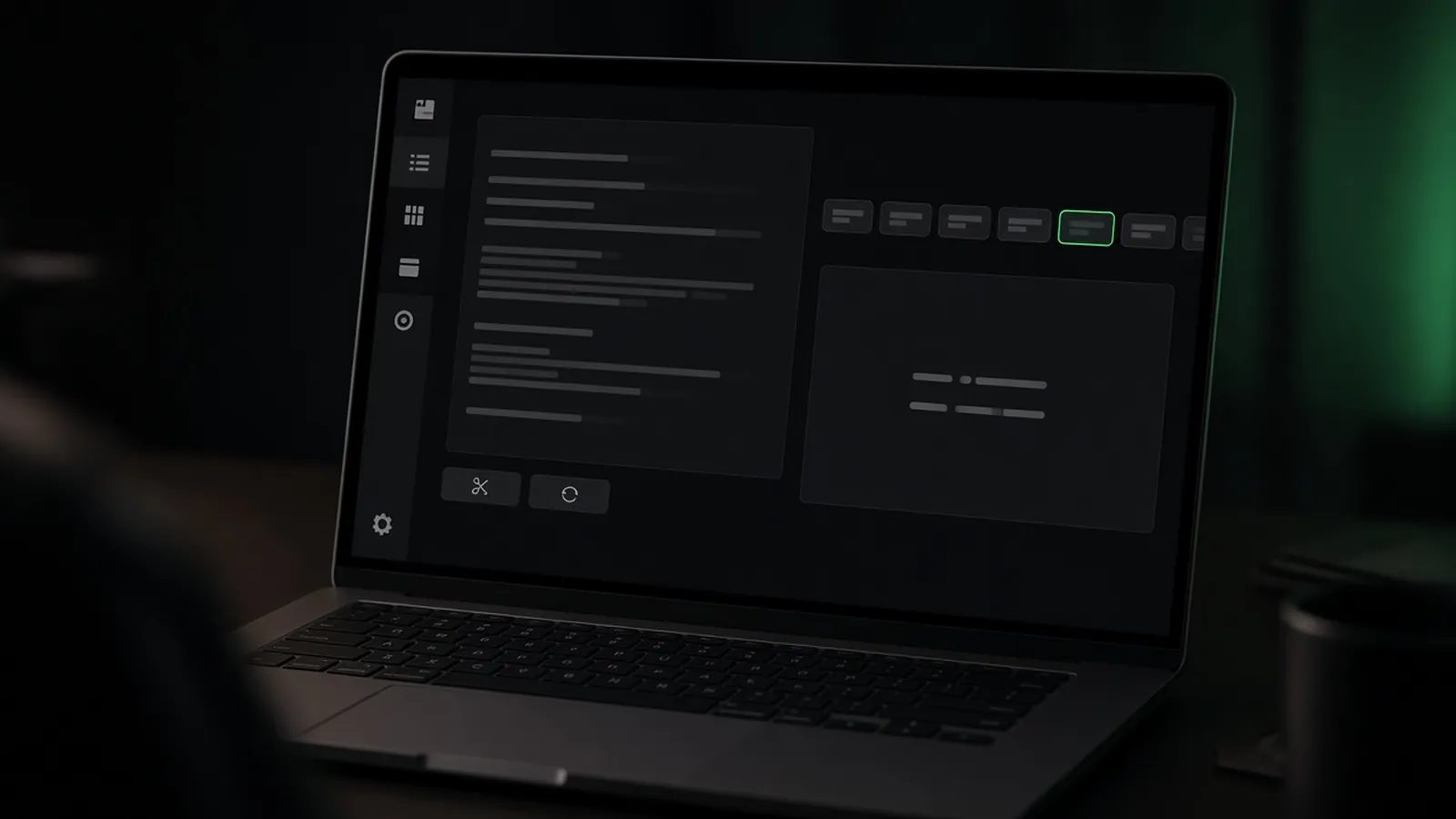
Ask anyone who has run slides at church what takes the longest, and you'll usually hear the same answer: typing up songs. Copying lyrics into a slide program, splitting them by hand, fixing the one slide that runs off the bottom of the screen. Then doing it again next week for the new song.
When I built the lyrics side of Kastr, I wanted you to paste a song once and get usable slides straight away. The rules behind that are simpler than people expect.
Blank lines are slide breaks
The main rule is that every blank line starts a new slide. Most lyrics people copy from a chord sheet or a lyric site already have blank lines between stanzas, so this lines up with how the text arrives.
If you paste this:
Verse 1
Amazing grace, how sweet the sound
That saved a wretch like me
I once was lost, but now am found
Was blind, but now I see

Verse 2
'Twas grace that taught my heart to fear
And grace my fears relieved
you get slides grouped under the section names, with each block becoming its own slide. I picked blank lines because they're visible, they're easy to fix, and they don't ask the person pasting to learn any syntax.
Section labels are for jumping
The second rule is that a line like Verse 1, Chorus, or Bridge isn't treated as a lyric. It becomes a label for the slides under it. On the projector, nobody sees the word "Chorus". In the operator deck, it's how you jump.
This matters more than it sounds. Worship leaders repeat a chorus, skip a verse, or go back to the bridge when the room is singing. If the operator has to click through slides to find the right one, the screen falls behind. With labels, they can jump straight to Verse 2 or the bridge. The library also knows labels like Pre-chorus, Tag, and Outro.
Auto slice for long stanzas
Some songs have long verses. Eight lines on one slide is too much to read from the back of a room. So when slides come out too long, there's an Auto slice button in the song editor. You pick how many lines go on each slide, and Kastr splits long blocks to fit. Reset slice puts it back the way you pasted it.
I made slicing a button rather than something that happens silently because the person preparing the song knows the room. A wide LED wall can take more lines than a small projector. Some songs read better with two lines per slide, some with four. The tool should help with the counting, not make the call.
You can still fix one slide
Automatic rules always get something wrong. A line breaks in an awkward place, or a lyric has a typo. You can edit the lyrics in the song, change lines per slide, and during a live show you can fix a typo on a single slide without stopping. That last one matters because in a lot of tools, fixing a typo means leaving the slideshow, so the mistake just stays on screen for the rest of the song.
Looks are separate from lyrics
Kastr keeps the words and the look apart. A theme stores background, font, size, weight, and letter case, and you can apply it per song or override it for a whole program. If you set a tempo, Karaoke mode lights each word on the beat. None of that changes how the slides were sliced, so you can restyle a set without touching the lyrics.
Try it without signing up
I put the same slicing logic into a free lyric generator on the public site. You paste lyrics, it shows you the slides it would make, and you can check your formatting before you commit to anything. It's also the quickest way to explain the rules: paste a song and watch where the breaks land.
The whole system comes down to two habits people already have, blank lines and section names, plus one button for when a stanza is too long. I tried to keep it at that.
- Kastr
- Design
- Lyrics